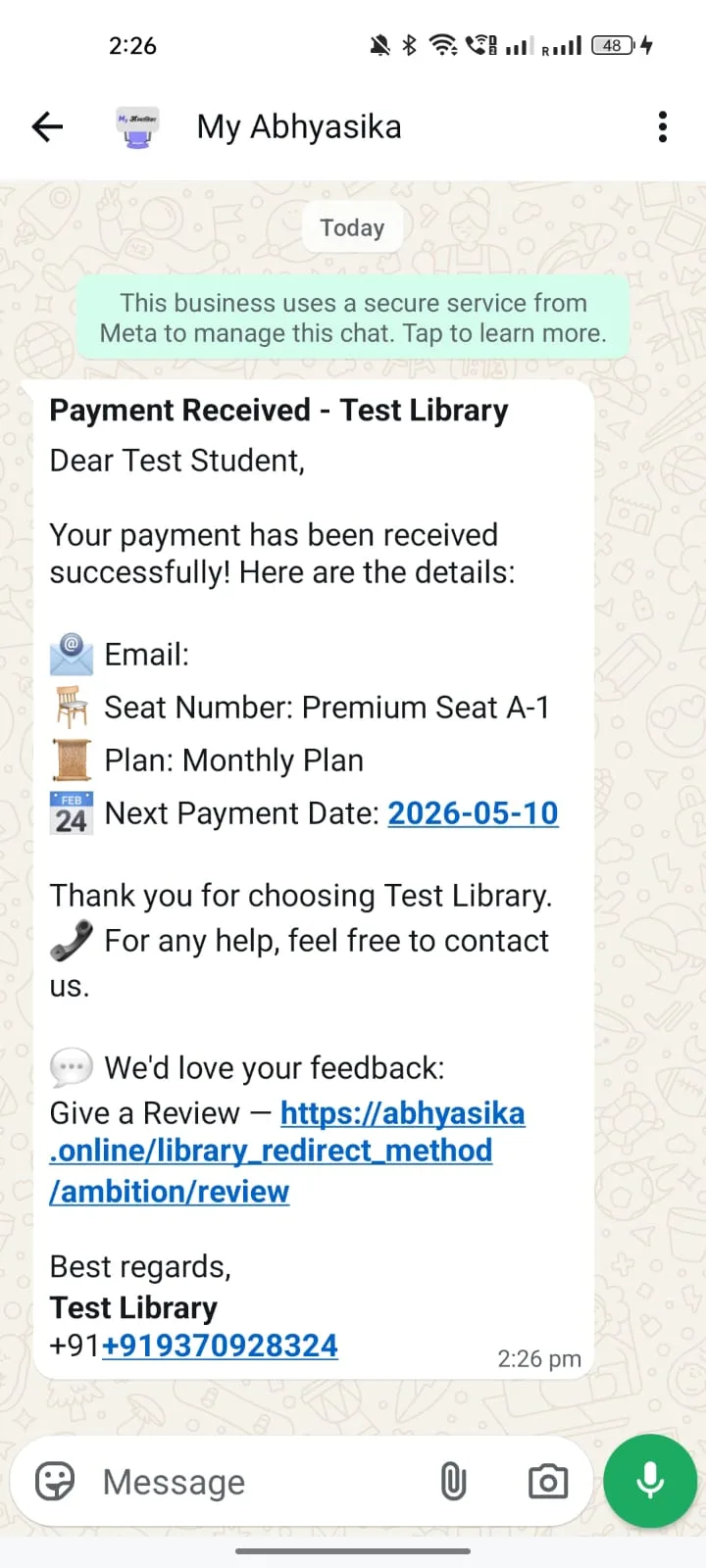
Payment Receipt
StudentReceipt with seat, plan and expiry sent right after payment.

Receipts, reminders, lead replies and daily reports — your library speaks to every student on WhatsApp without you typing a single message. Preview each one on a real iPhone below.
6 messages
Receipt with seat, plan and expiry sent right after payment.
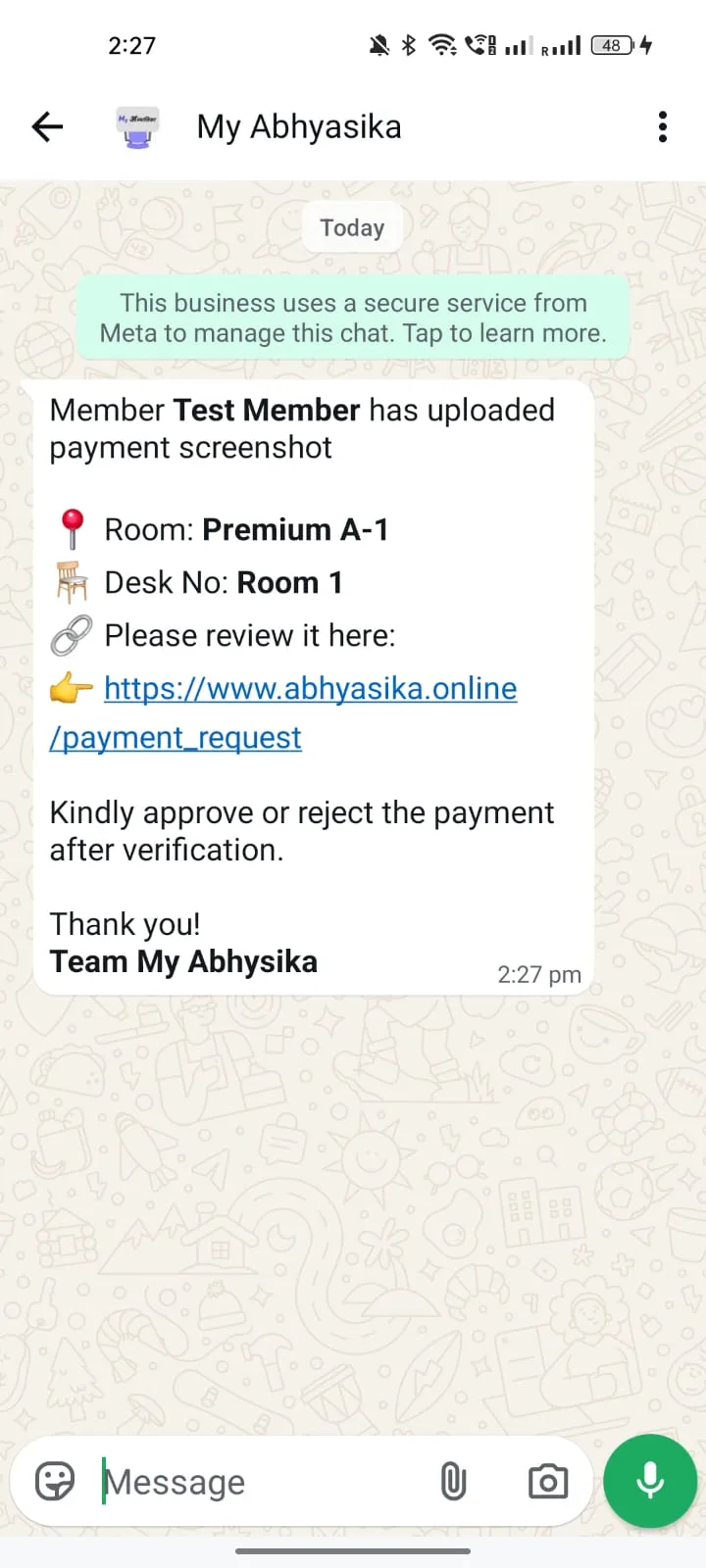
Quick confirmation that an online or cash payment was recorded.
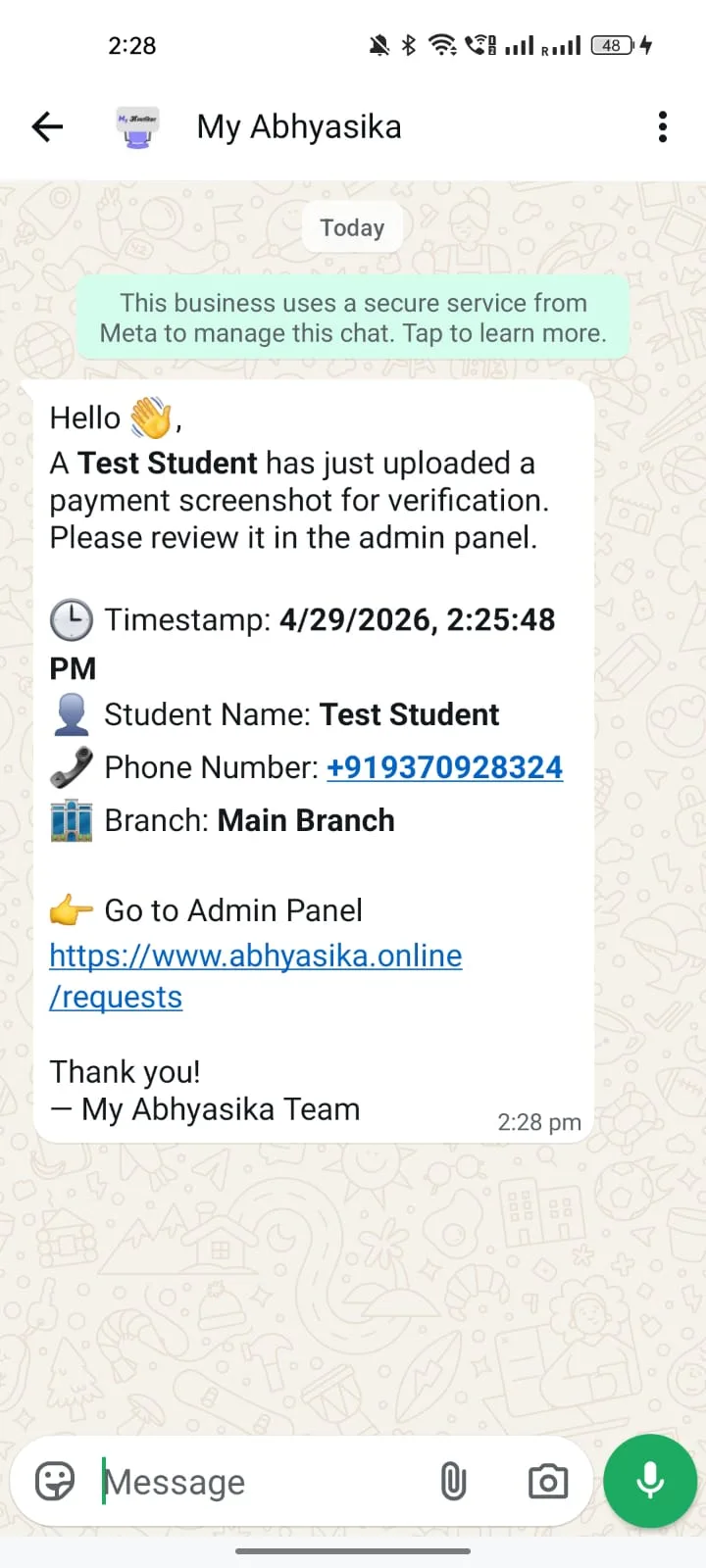
Owner alert when a student uploads a payment screenshot.
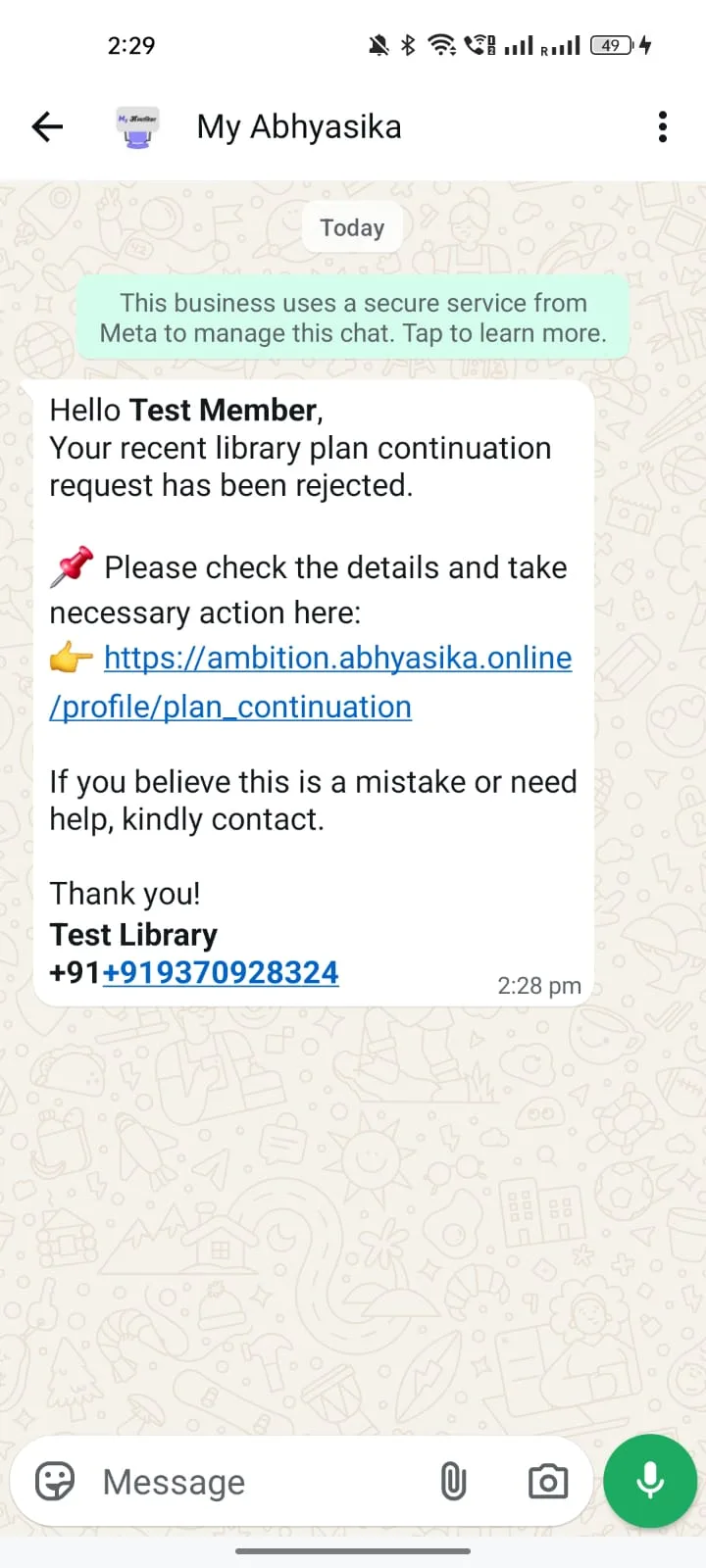
Sent to the student if a payment screenshot is rejected.
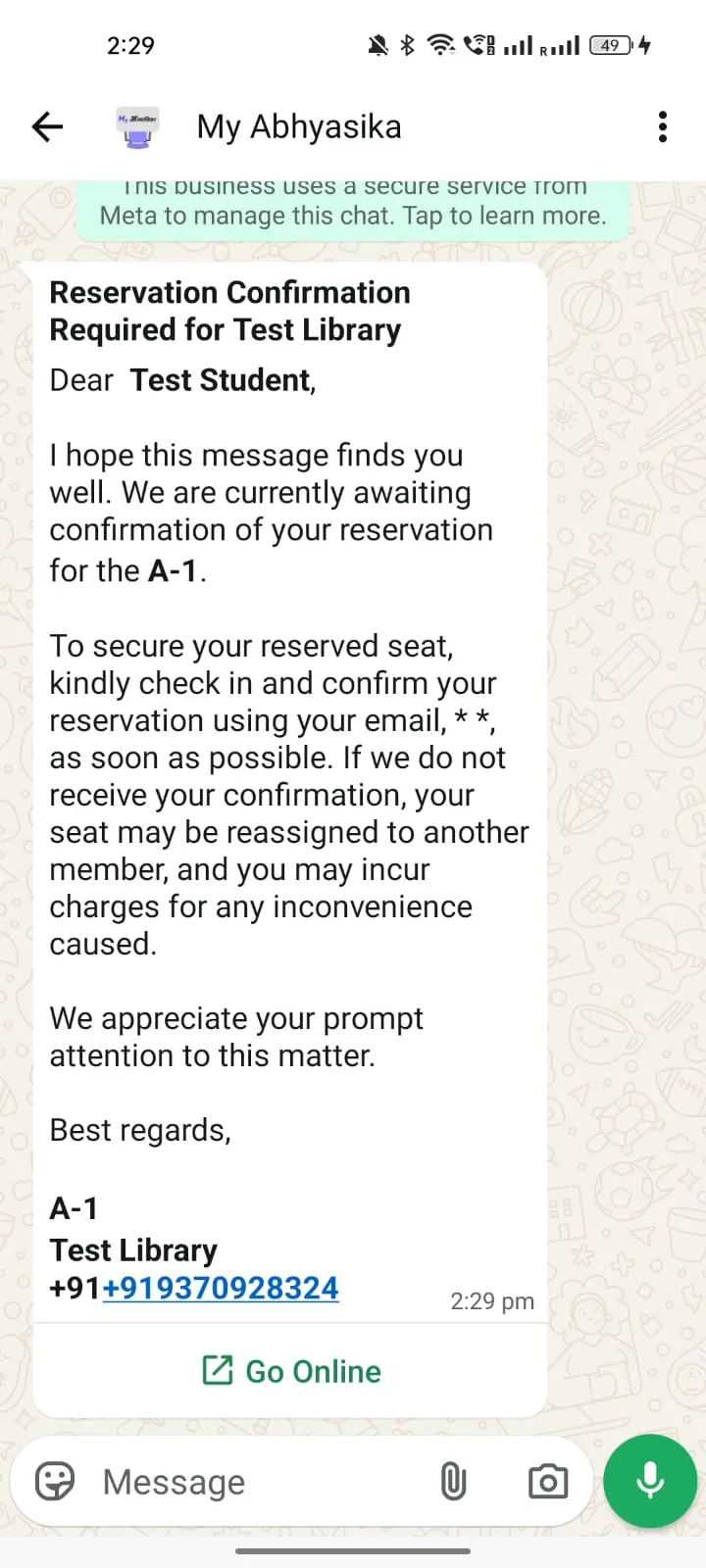
Reminds student about an outstanding admission or seat payment.
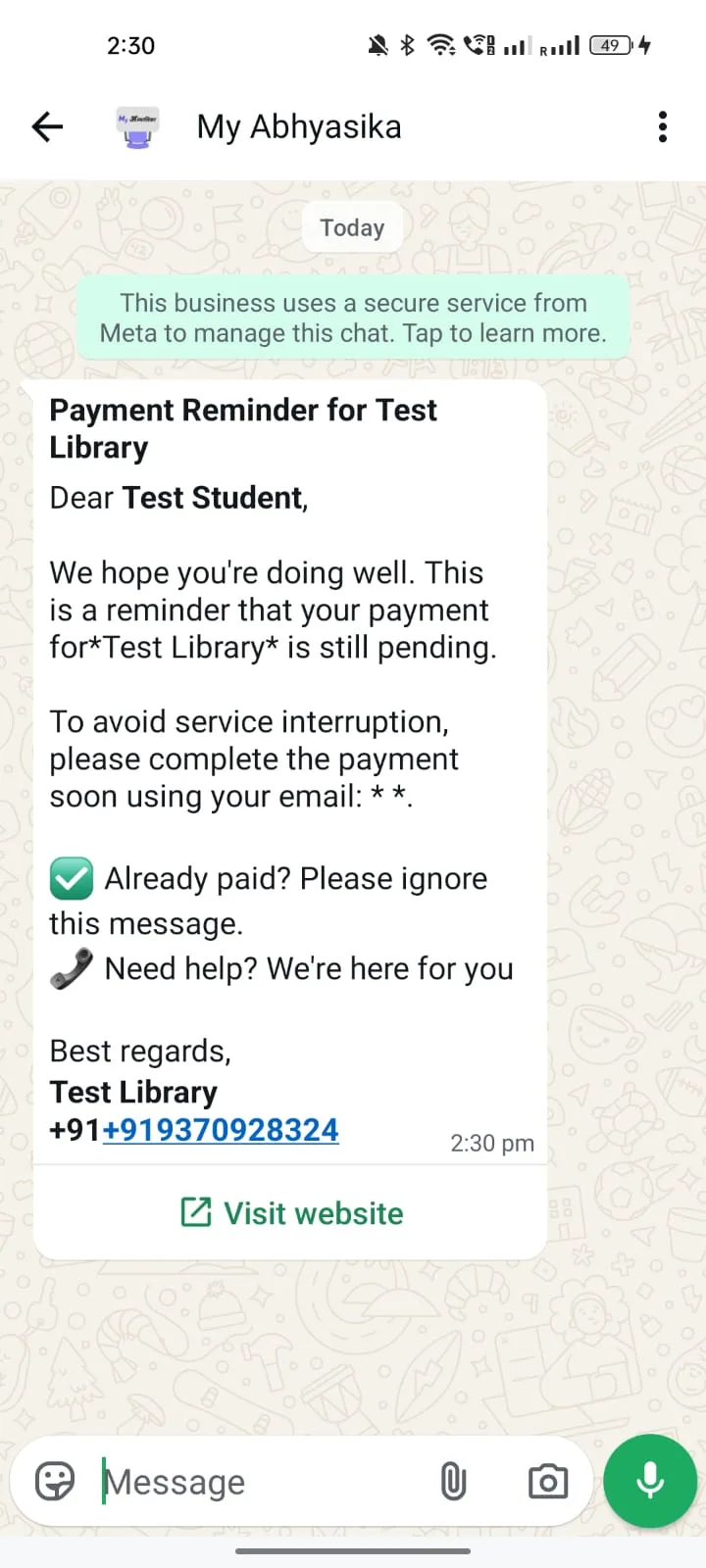
Reminder about a due fee instalment, with a Visit Website button.
4 messages
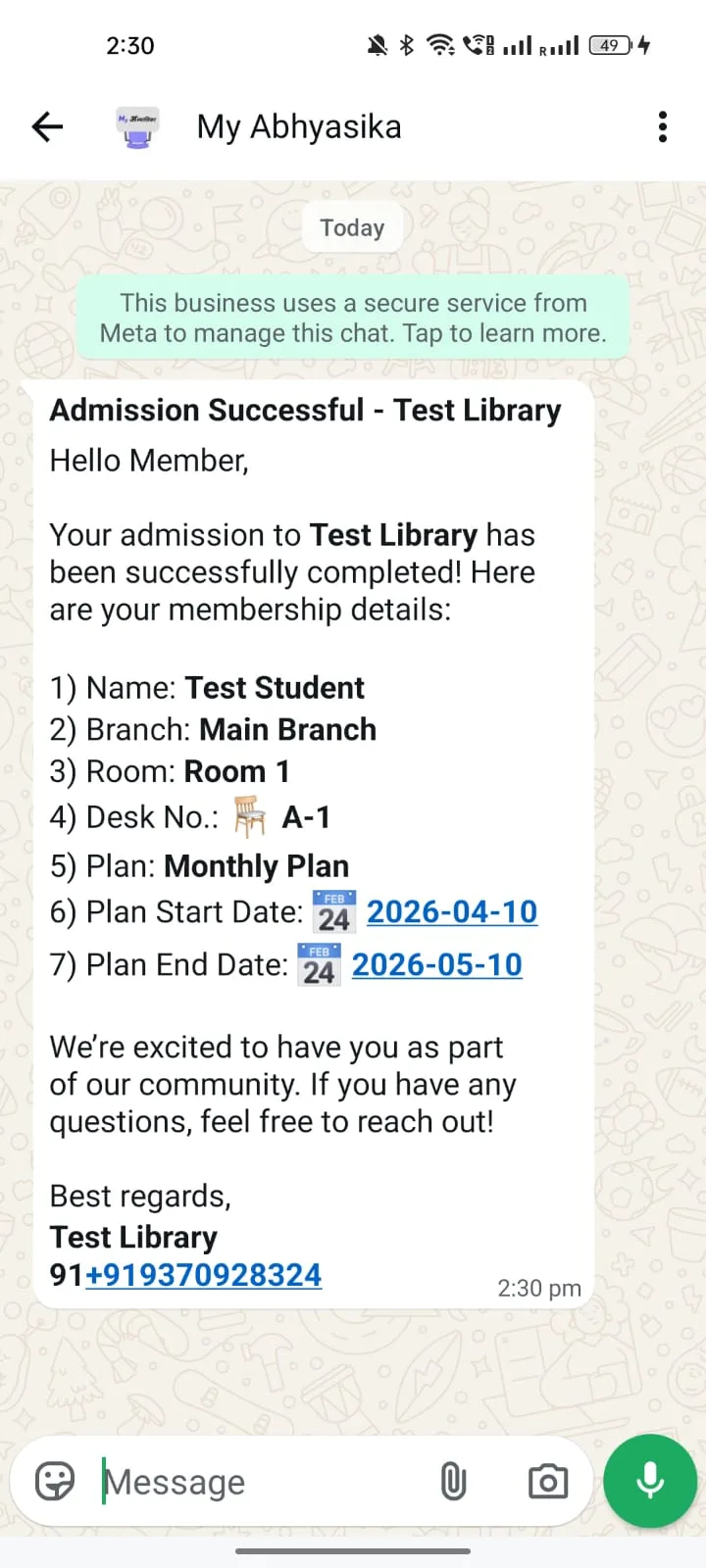
Welcome message with full membership details after admission.
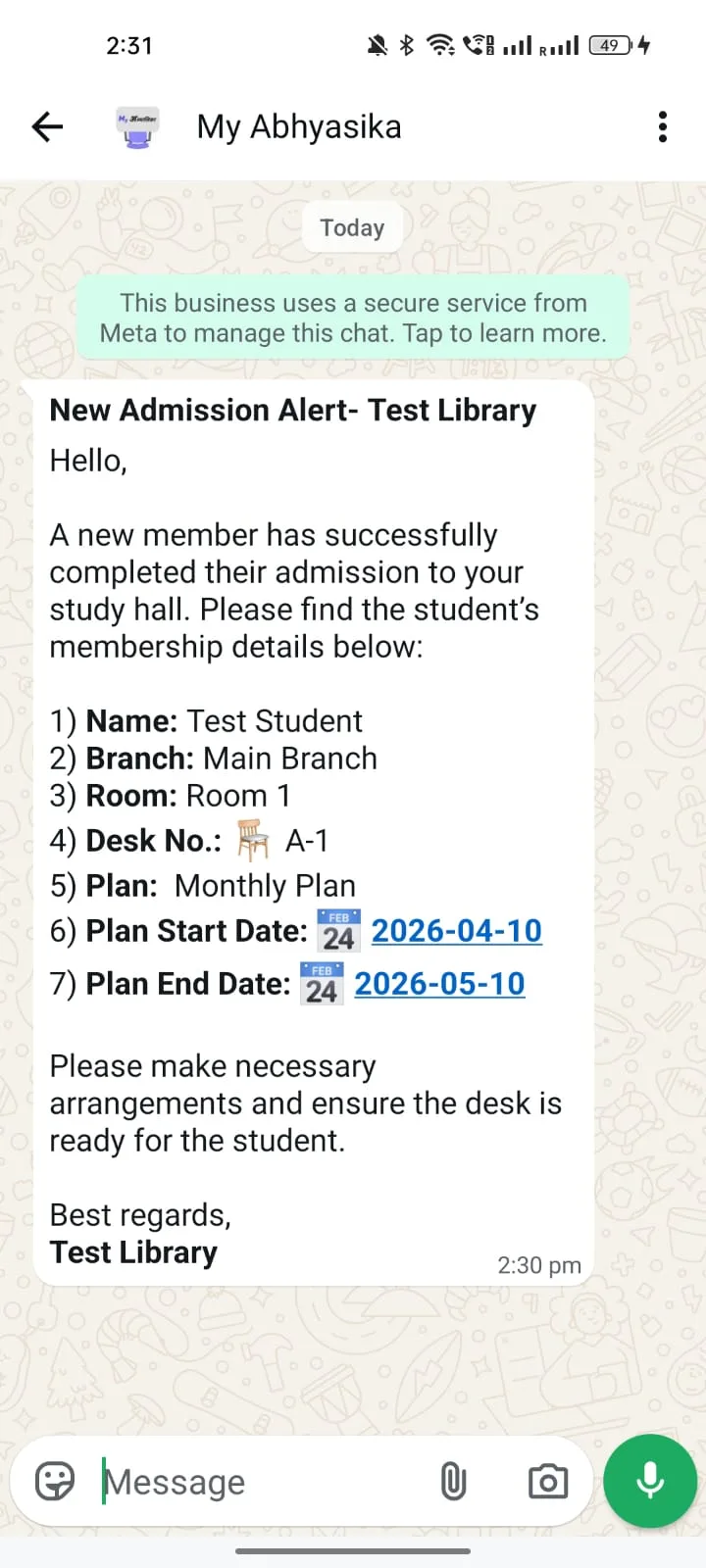
Owner copy so the desk is ready before the student arrives.
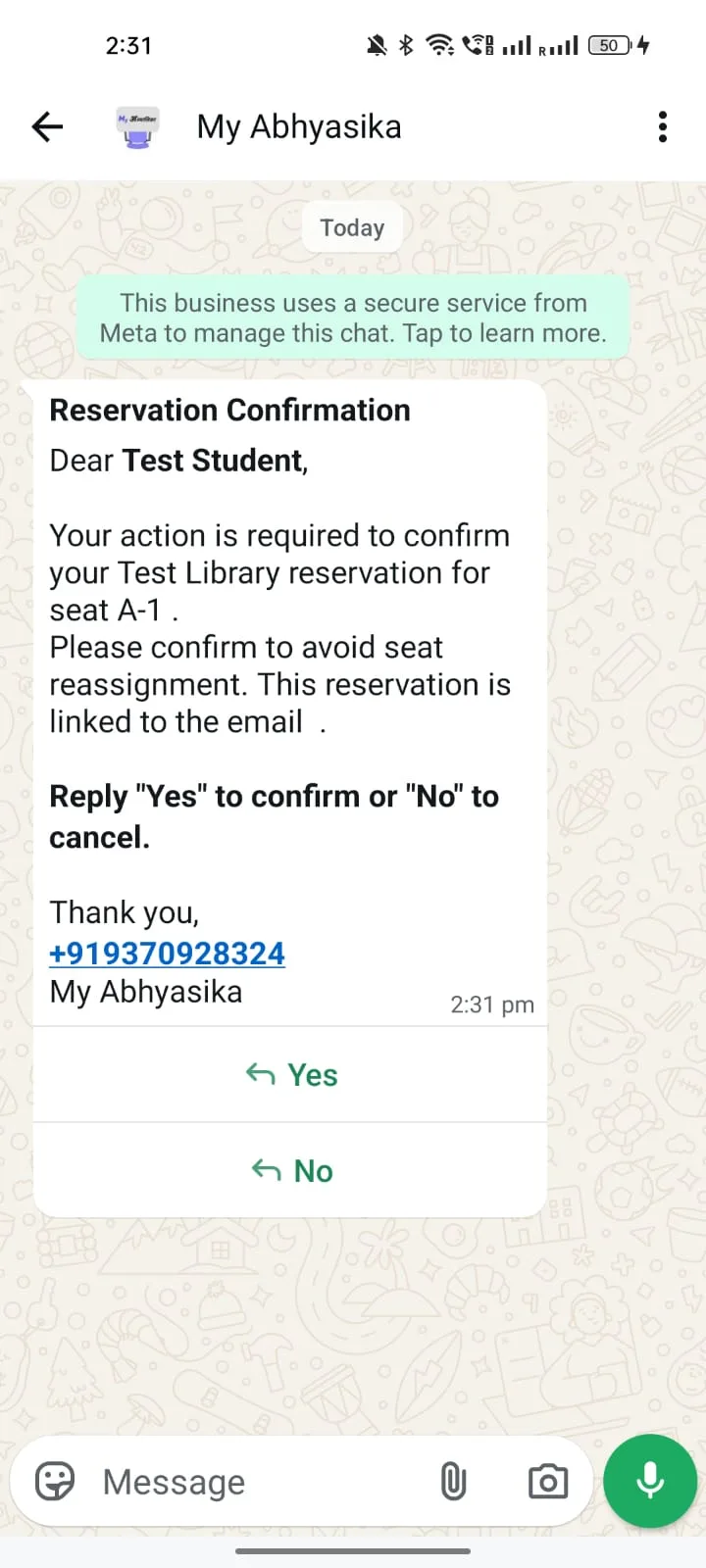
Confirms a seat booking with Yes / No quick reply buttons.
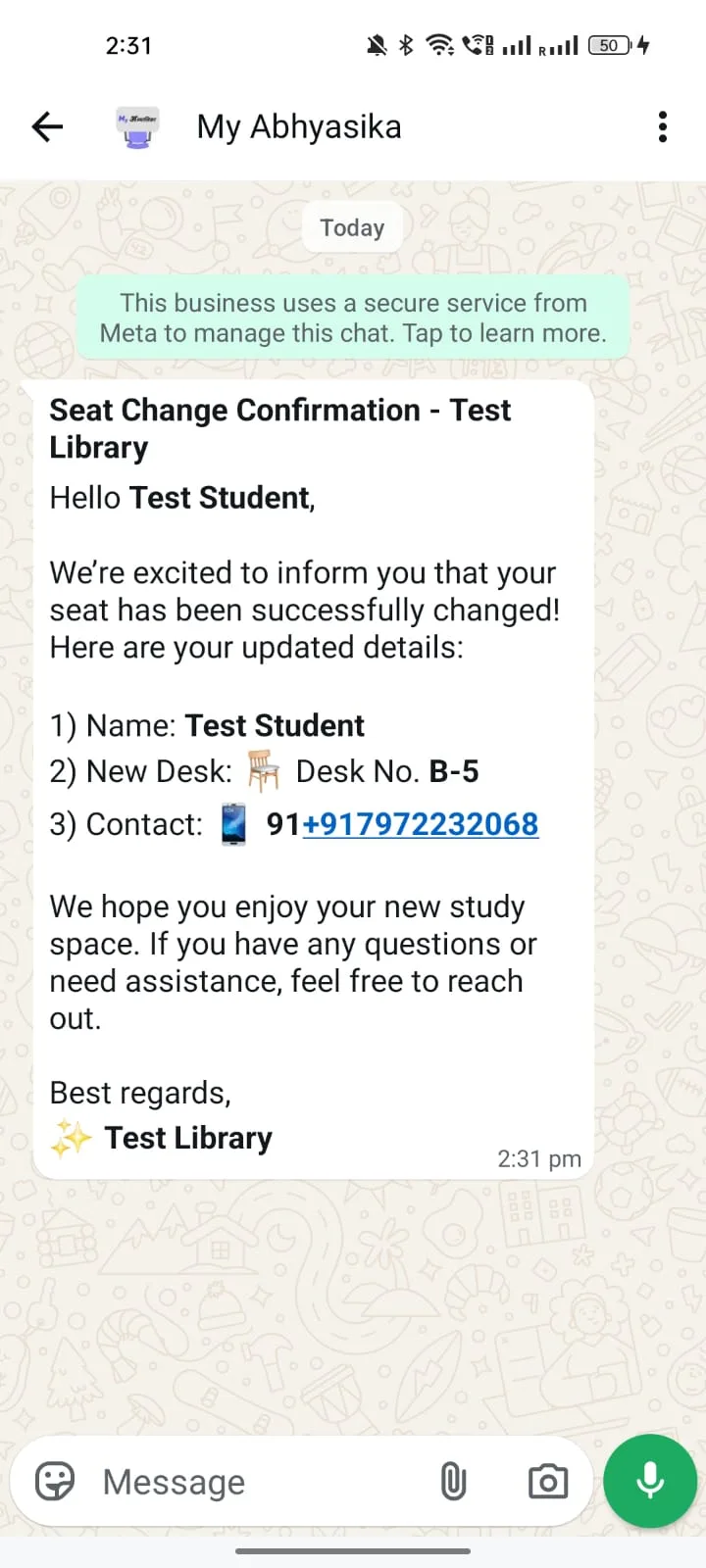
Notifies a student that their seat has been re-assigned.
2 messages
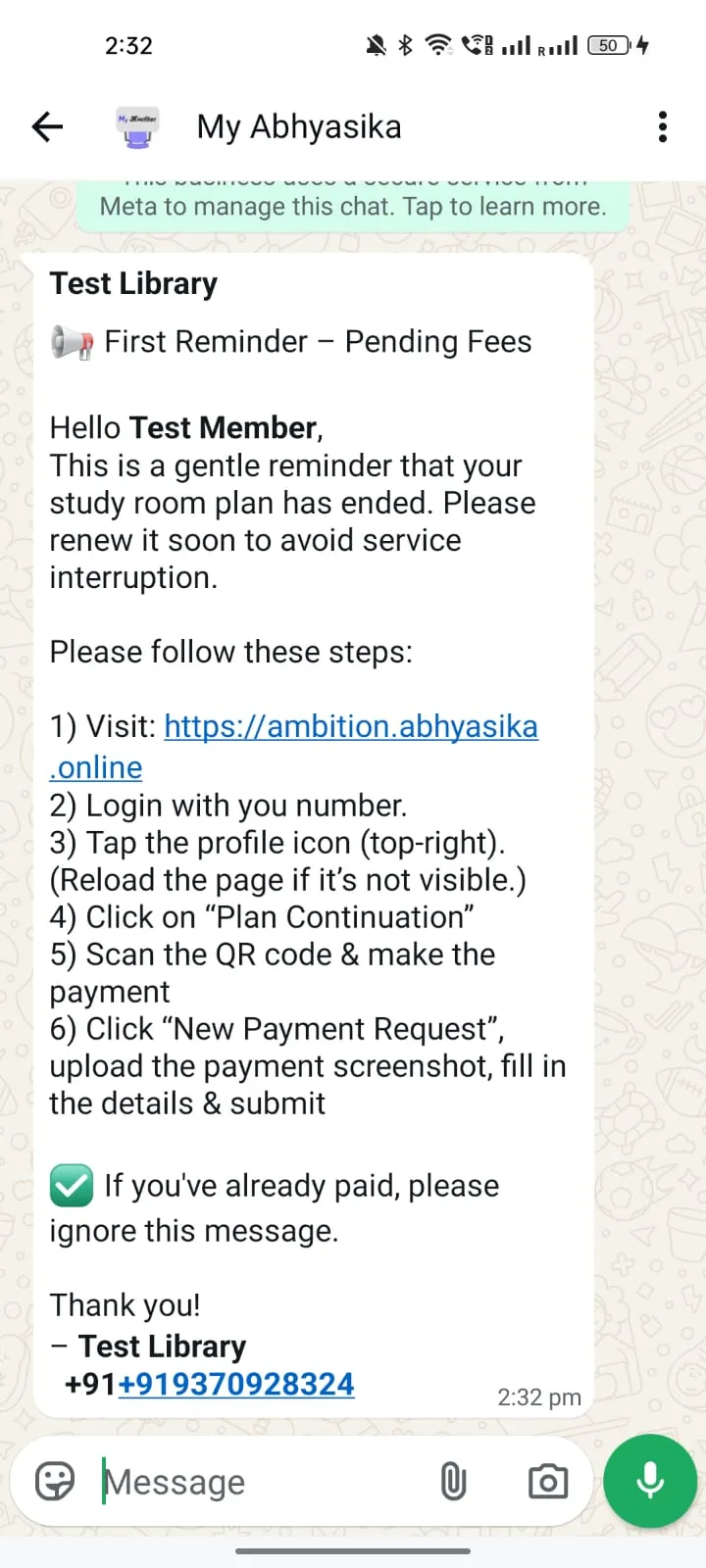
Step-by-step renewal guide with payment screenshot upload flow.
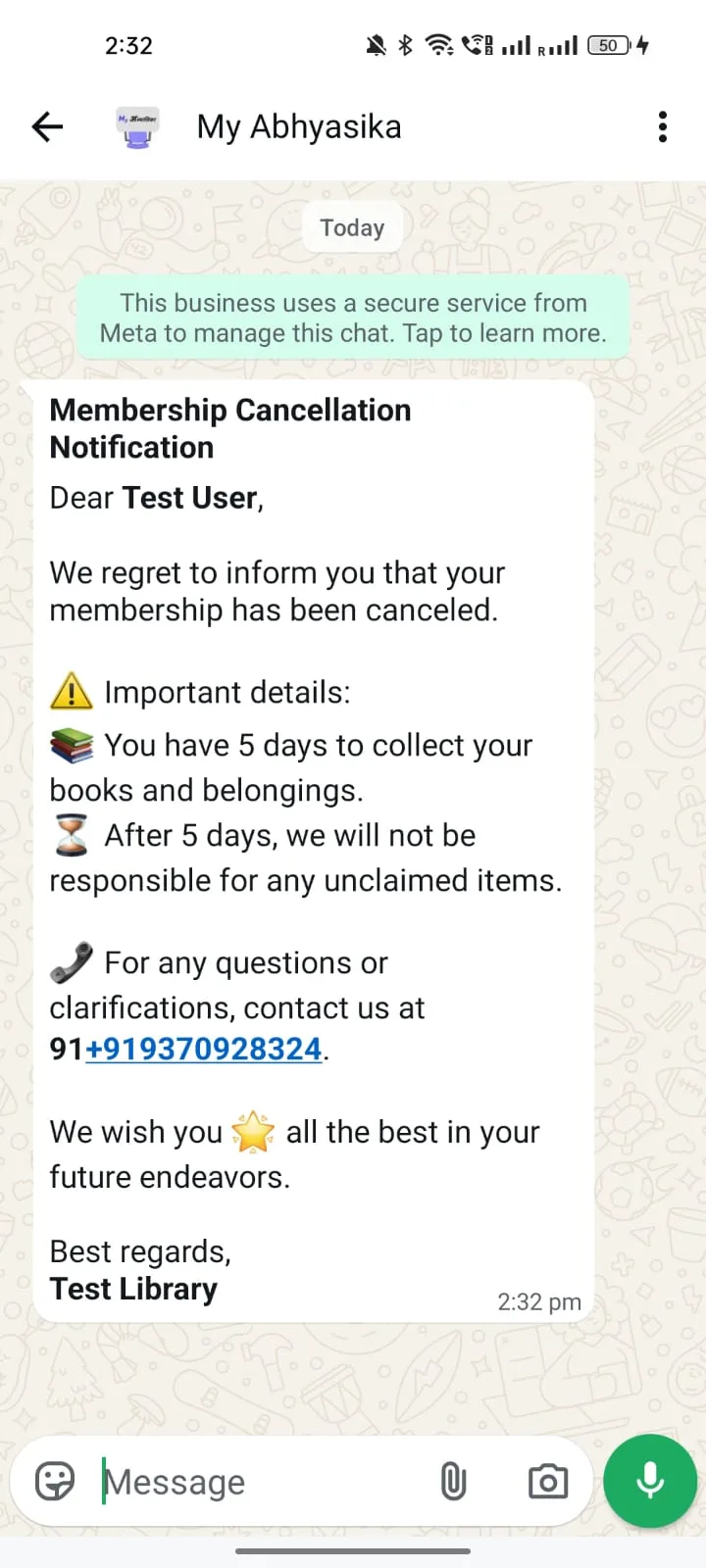
Final notice with 5-day belongings collection window.
1 message
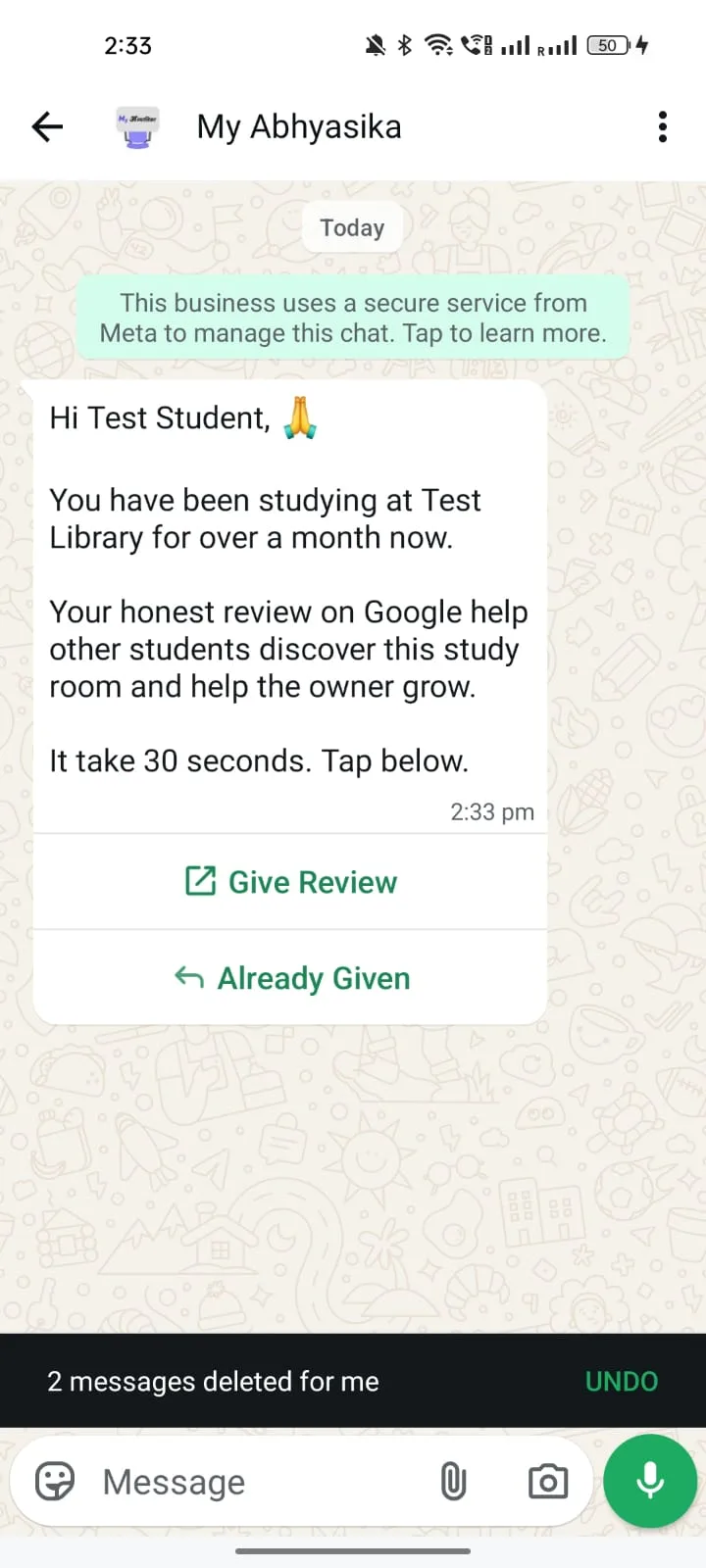
Asks happy students to drop a Google review in 30 seconds.
3 messages
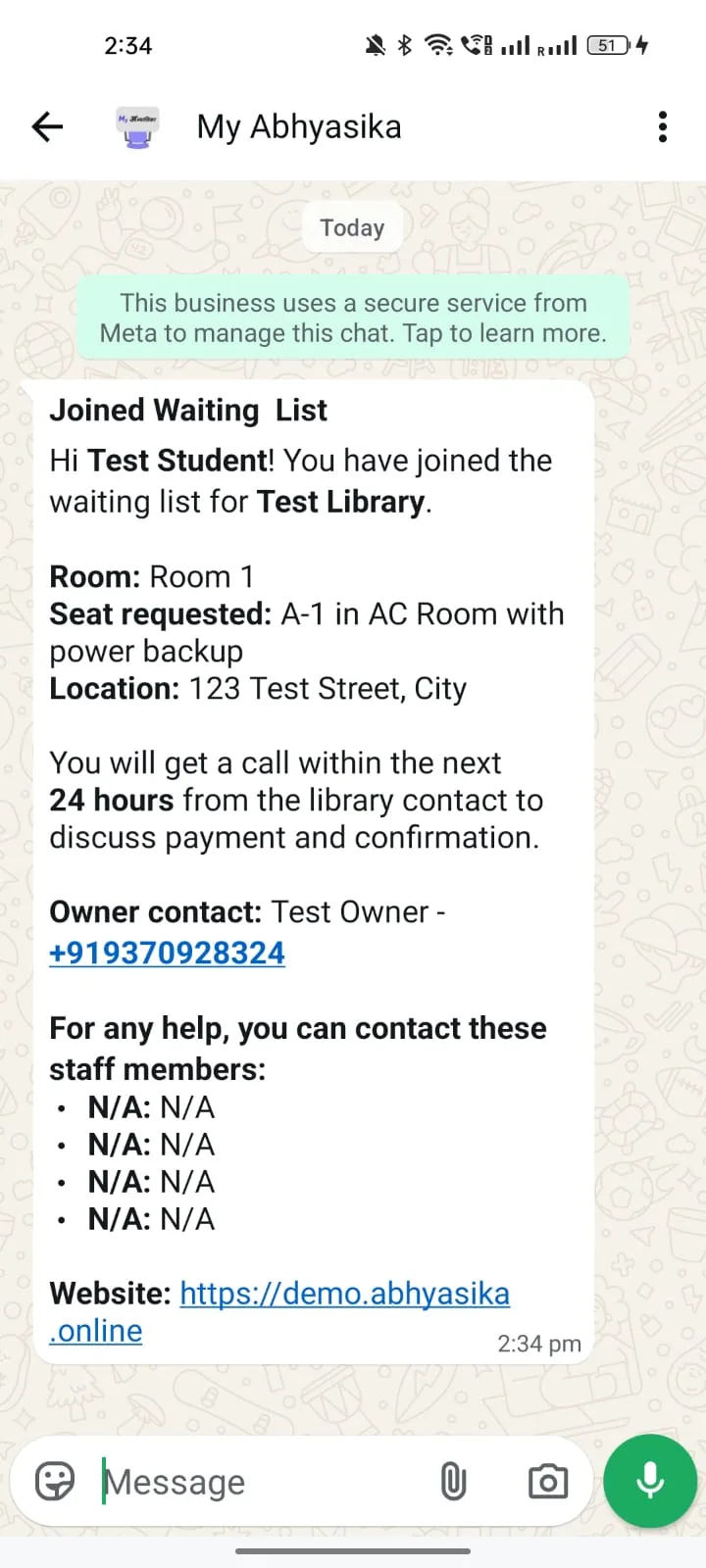
Auto-reply to a public library enquiry with seat and contact details.
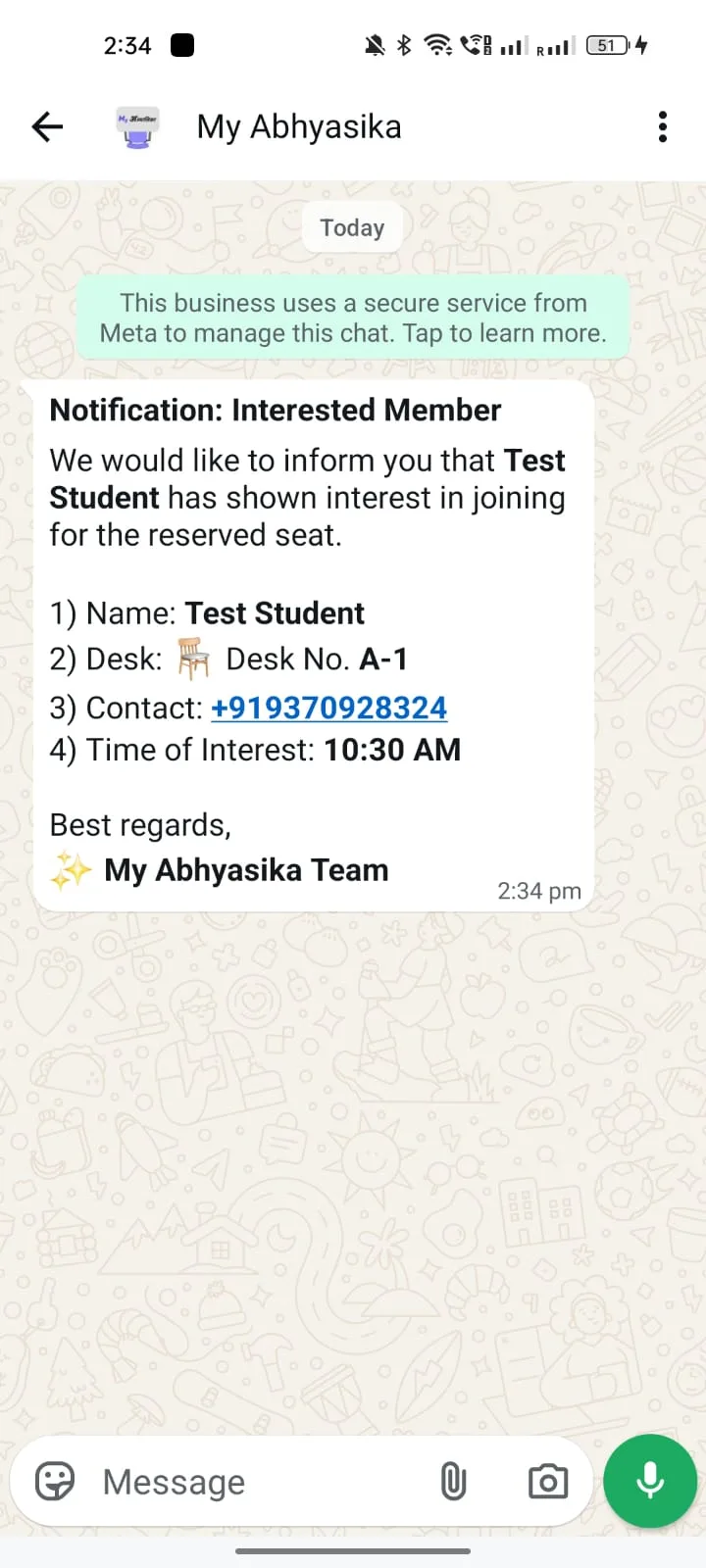
Owner alert when a visitor shows interest in a desk.
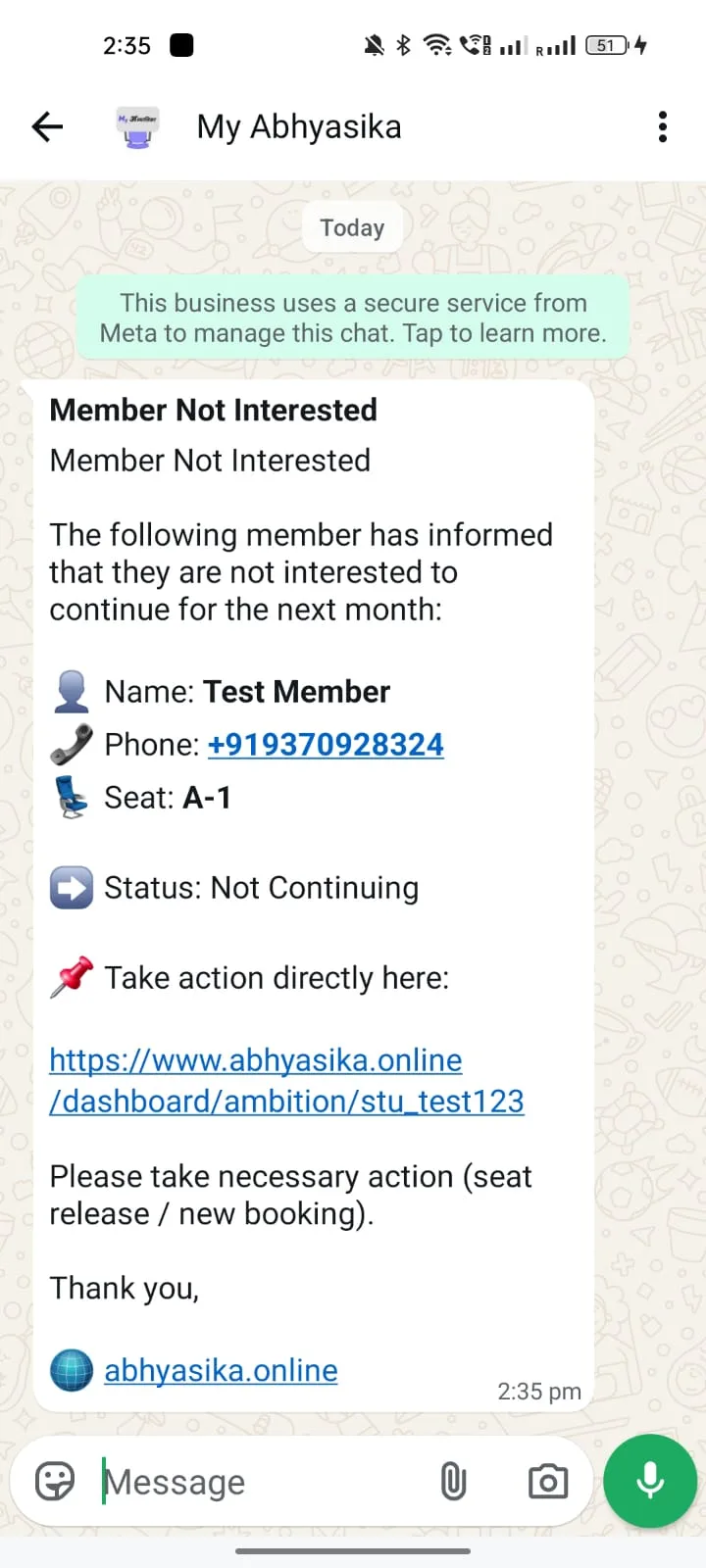
Internal owner alert when a lead is marked not continuing.
1 message
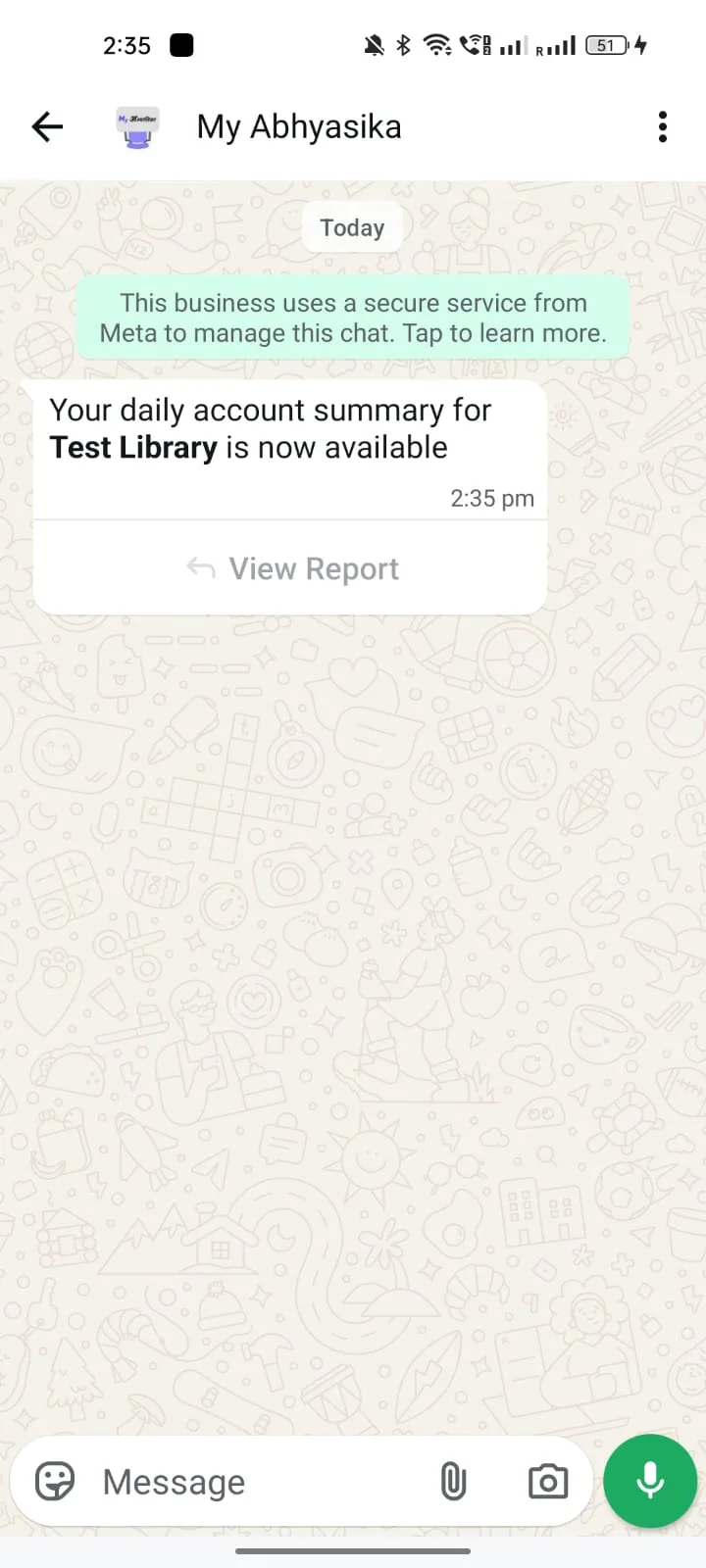
Daily snapshot of admissions, payments and pending dues.
1 message
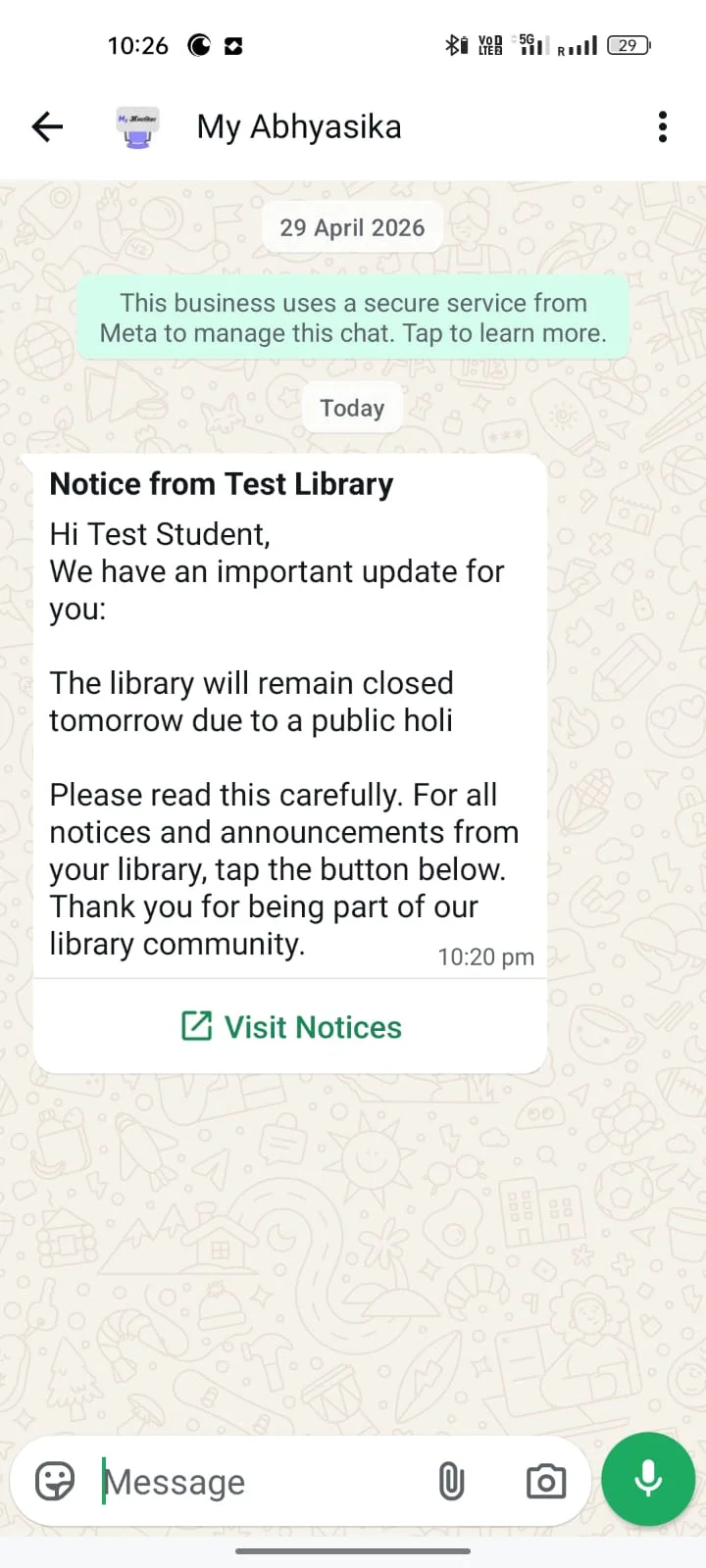
Broadcast notice to active students (closures, schedule changes, etc.).
Every message above goes out automatically — the moment payment is recorded, a seat is booked, or a plan is about to expire. No copy paste, no missed reminders.